Floating windows
Opening a note as a window
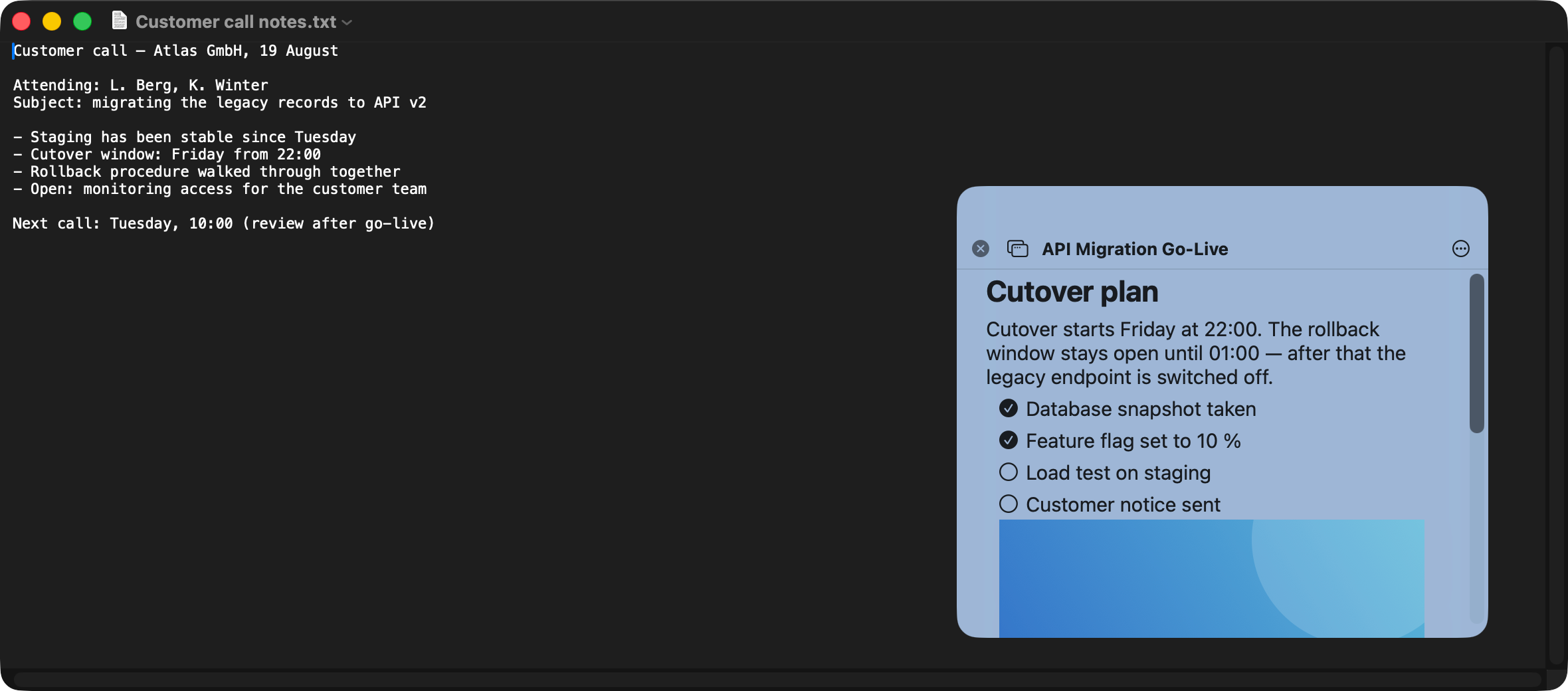
A floating window stays visible above the app you are working in and does not disappear when you click elsewhere.
Three ways in
- Menu bar: click the NoteBay icon, then pick a note from the list.
- Keyboard:
⌥⌘Nopens a new floating window with an empty note right away, even when another app is running fullscreen. - From the main window: right-click the note in the list and open it as a window.
What sits in the title bar
On the left, close. Next to it, Open in main app, which shows the same note in the big window. In the middle sits the title, which you can edit directly. On the right, the three-dot menu holds everything else: favourite, keep in front, transparency, move to folder, export, delete, settings and help.
NextPosition, size, opacity