Quick capture
Menu bar and shortcut
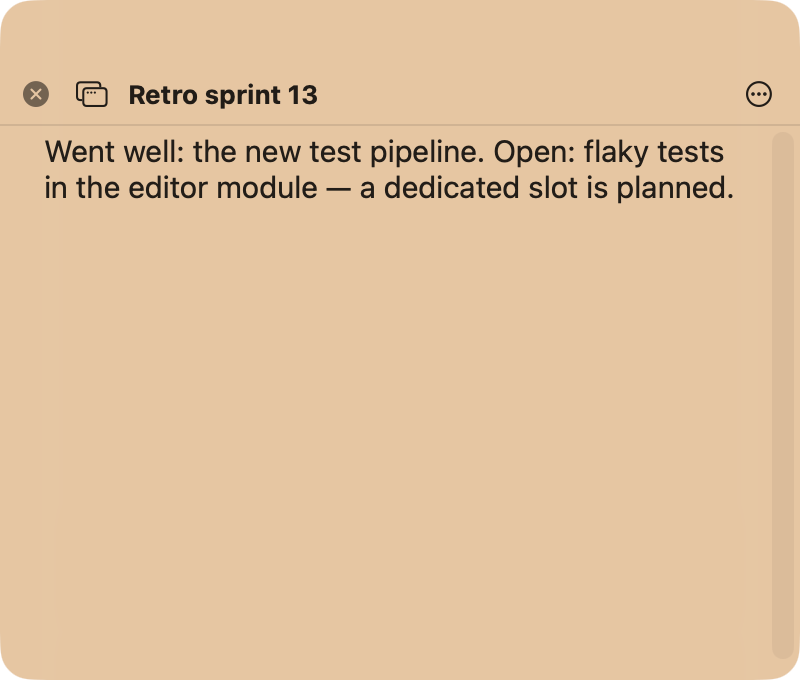
⌥⌘N opens an empty note over whatever you are doing. Type two sentences, close it, carry on.
The menu bar dropdown
Clicking the NoteBay icon shows New note, your recently edited notes or favourites, Open app, Settings and Help. From here you are two clicks away from any note you used lately.
Option-click
Holding Option (⌥) while clicking skips the dropdown and runs one action directly. Which one is up to you, under Settings, General; out of the box it is New floating note.
The global shortcut
⌥⌘N works system wide, even when NoteBay is not in front. If it clashes with another app, change it under Settings, General, Global shortcut.