Getting started
Install and set up
Get it from the App Store, launch it, done. There is no account to create and nothing to configure.
On the Mac
After the first launch the NoteBay icon sits in your menu bar. Clicking it opens a dropdown with New note, your recently edited notes, Open app, Settings and Help.
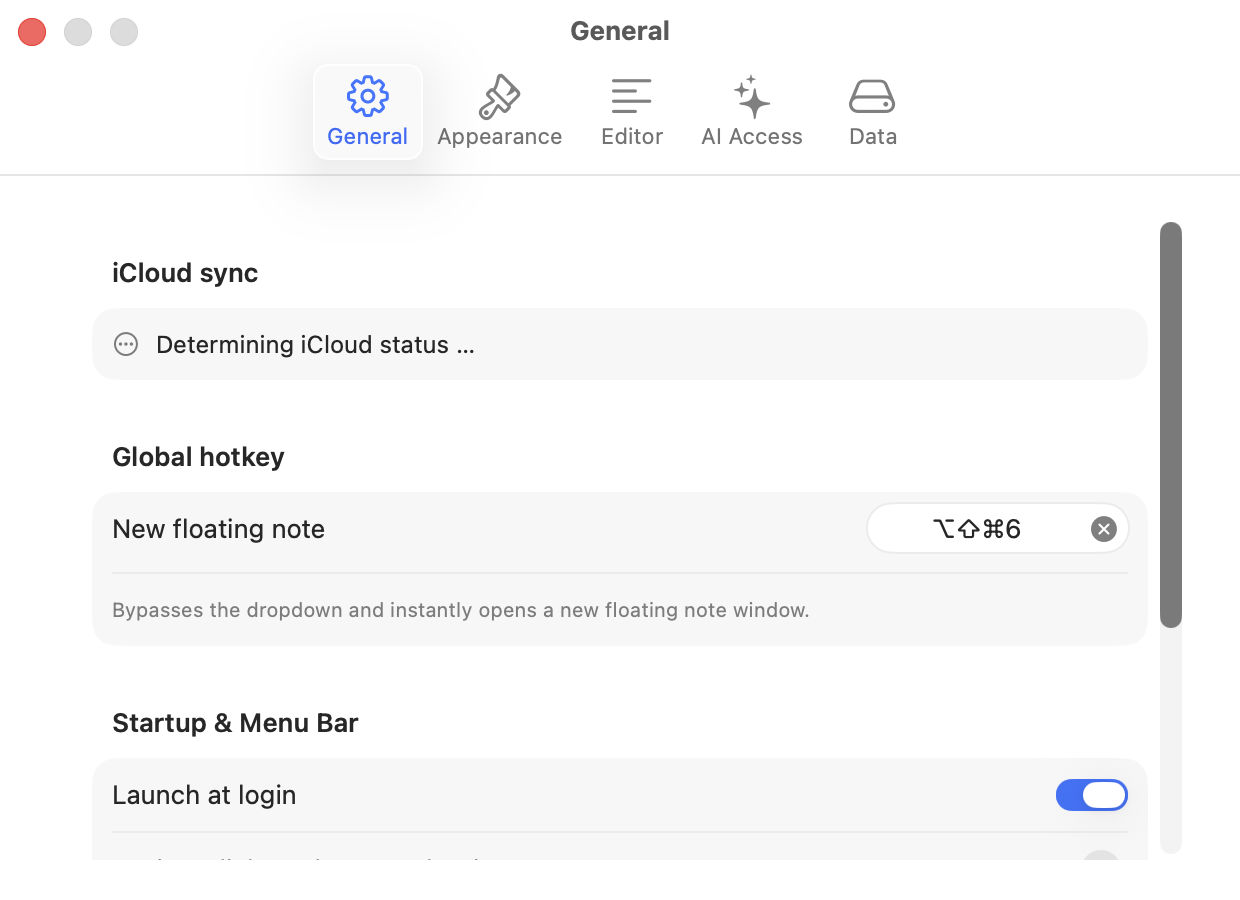
If you want NoteBay to start with your Mac, the switch is under Settings, General, Launch at login.
On the iPhone
The same app from the App Store. If you already bought the full version on the Mac you have it here too; it is one purchase for both.
Turning on sync
There is nothing to turn on. NoteBay uses the iCloud account your device is already signed in to. As long as both devices use the same Apple ID and have iCloud Drive enabled, sync runs.
NextOpening a note as a window